

Disconnecting your Xverse wallet step-by-step.
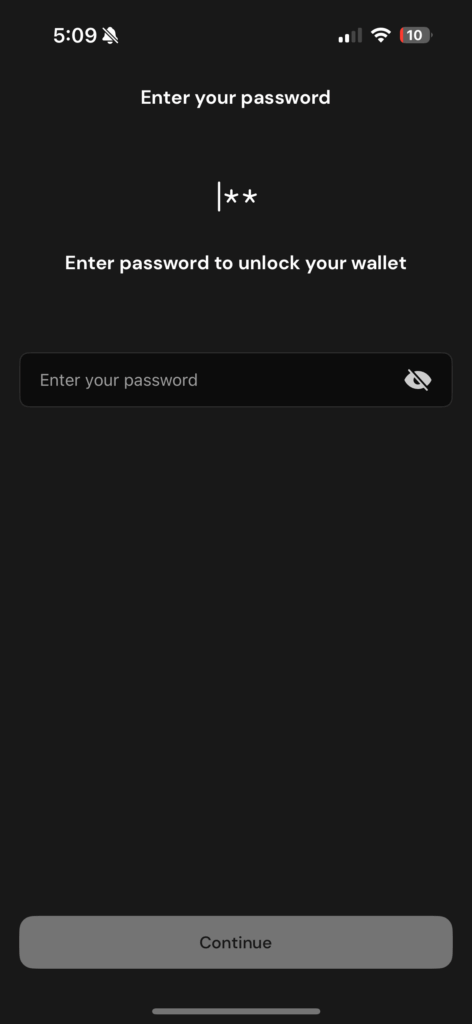
Step 1.
You may need to enter the password you used to set up your wallet if you have not been actively using your wallet.
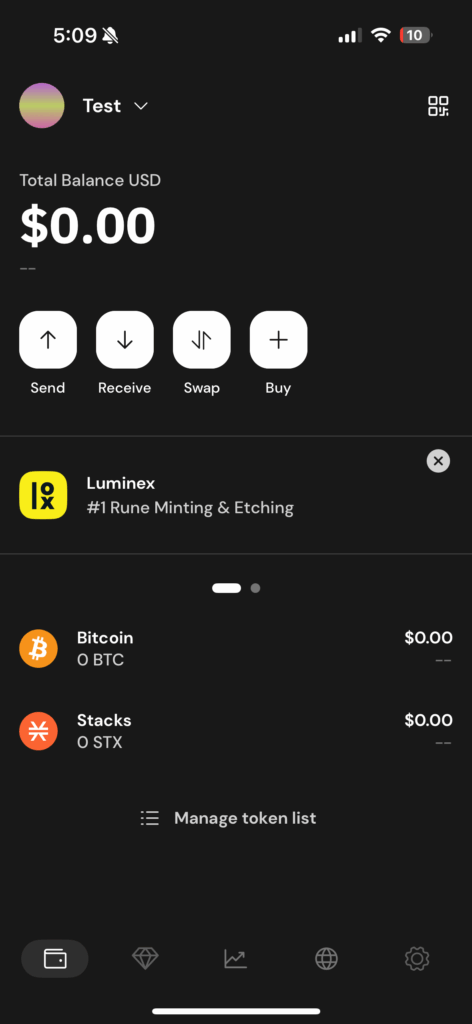
Step 2.
Go to settings, this is the small cog in the bottom right corner.
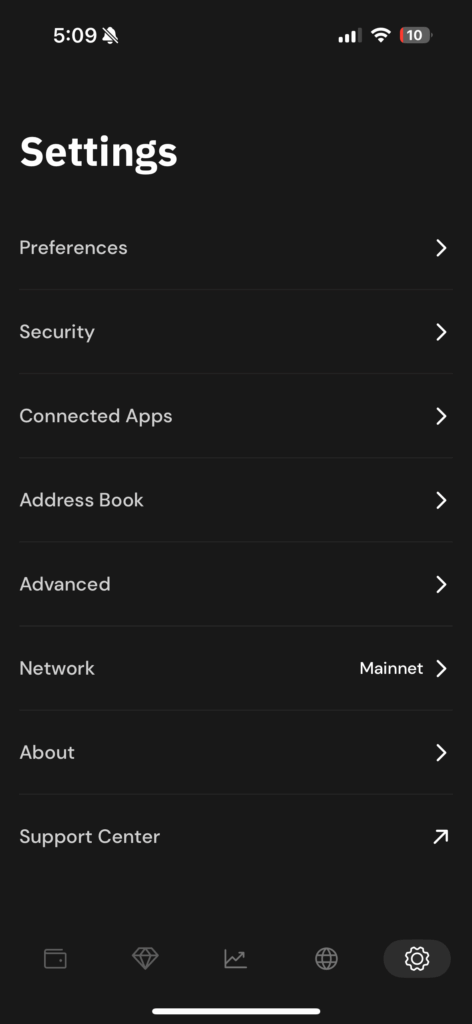
Step 3.
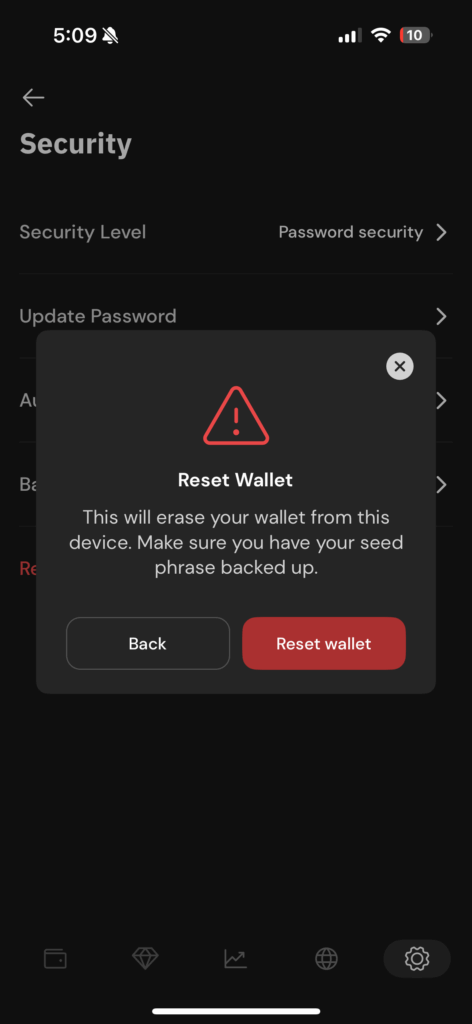
Click security
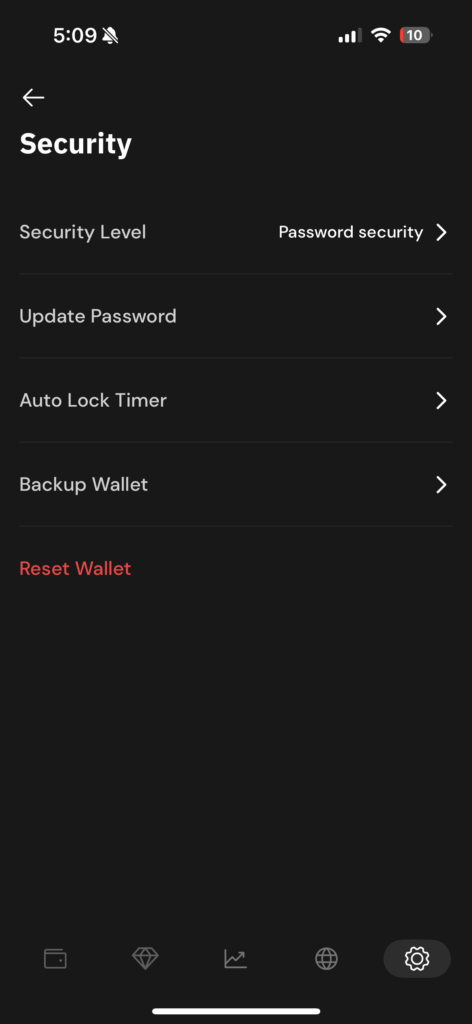
Step 4.
Click “reset wallet” and confirm reset on the pop up warning.
Step 5.
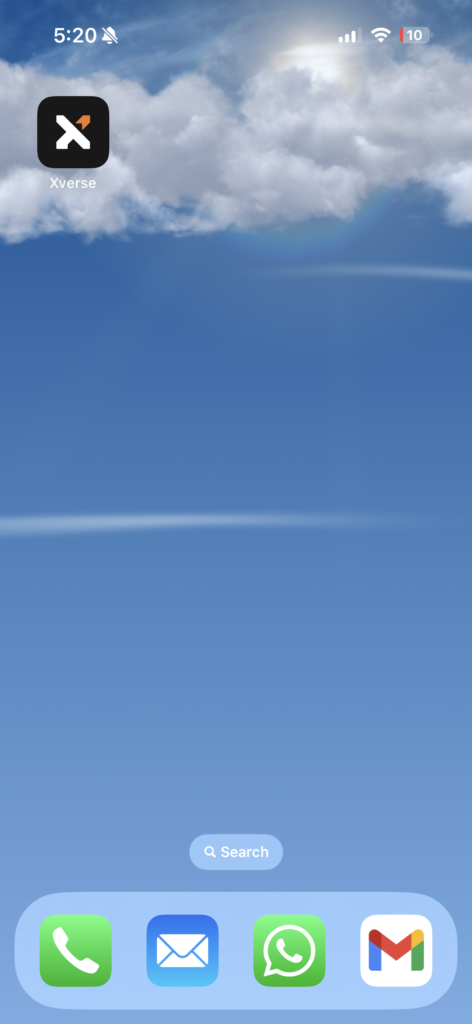
Come out of the app and hold the Xverse icon and click remove app (for iPhone) or uninstall (for android).




Howdy from SeoBests,
Boost your website’s SEO performance, expand your search appearance and gain powerful backlinks!
Order the leading SEO services in one place – SeoBests.com
Don’t miss current SEO deals:
50% SALE – Monthly SEO Services + Take 5000 Backlinks FOR FREE:
SeoBests.com/PROMOTIONS
Or use shortlink: https://tiny.cc/SEOBESTS
Explore a lot of SEO services, 100+ deals online, and quality specialists.
SeoBests.com – your trusted SEO backlinks shop.