Home Crypto Wallets How To Reinstall a Leather Crypto Wallet
Crypto Wallets

How To Reinstall a Leather Crypto Wallet

Reinstalling and reconnecting your Leather wallet step-by-step.

Step 1.

Go to your app store and download the official Leather app.
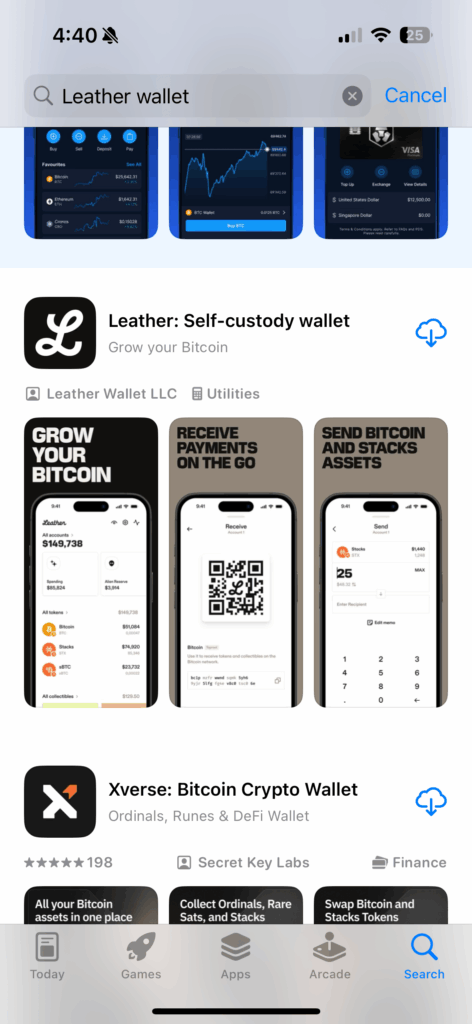
Downloading the official Leather crypto wallet app

Step 2.

Open the app and select “Add wallet”.
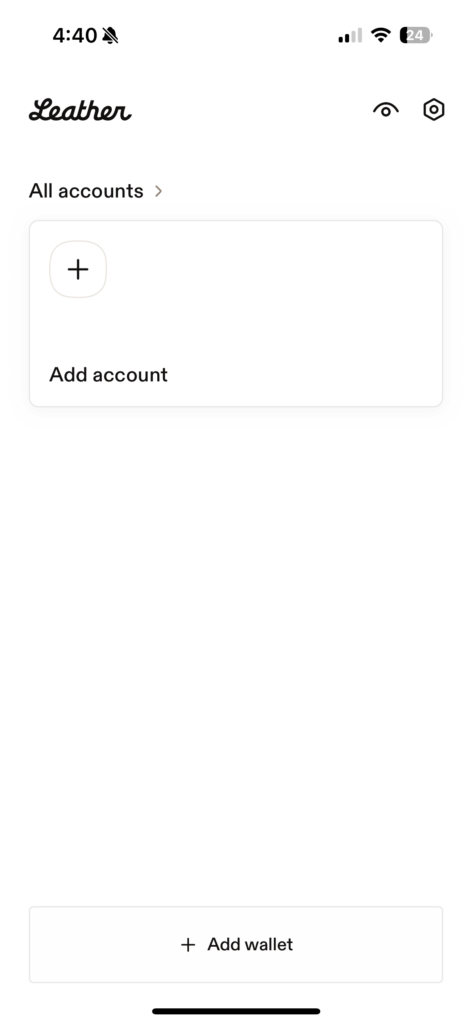
Leather crypto wallet main page

Step 3.

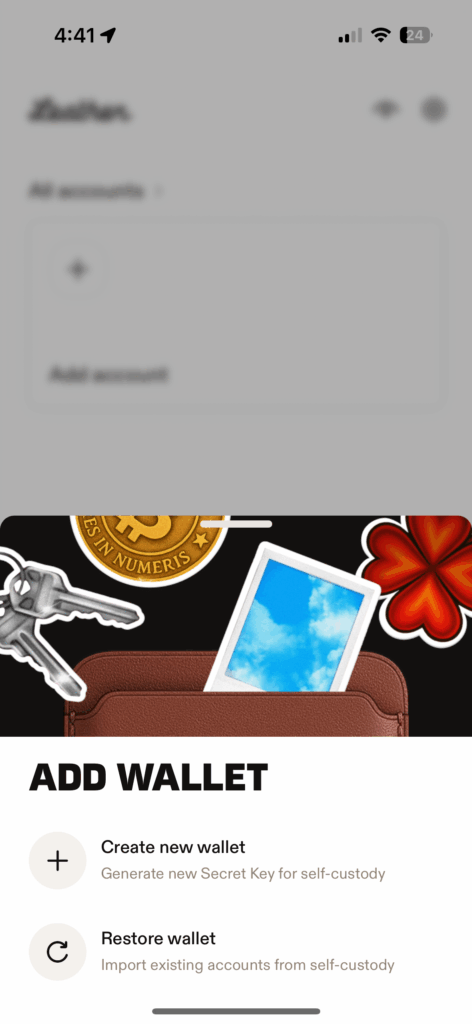
Select “Restore wallet”.

Restoring a Leather crypto wallet

Step 4.

Type out your seed phrase in order. Type each word with a single space in between and tap “Continue”.
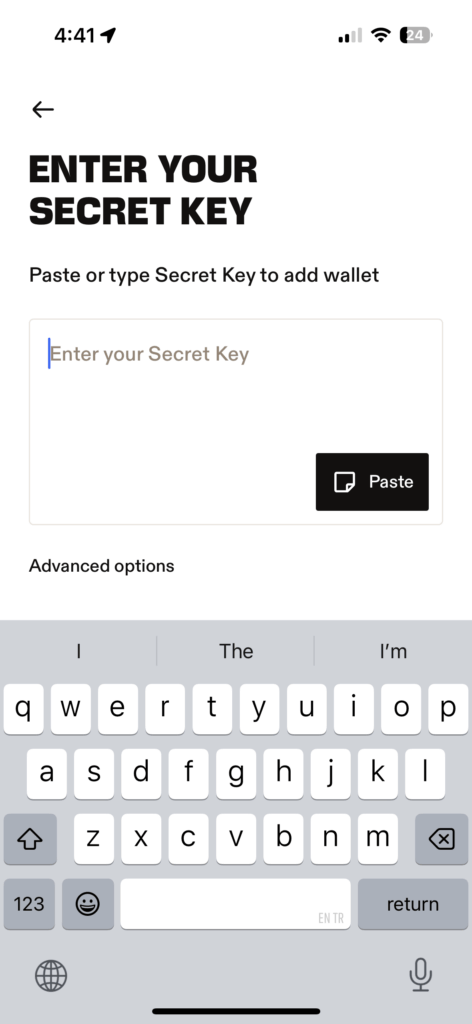
Enter secret key to restore a Leather crypto wallet

Step 5.

Your wallet will then be added back onto your app, and you will automatically be taken to the home page.
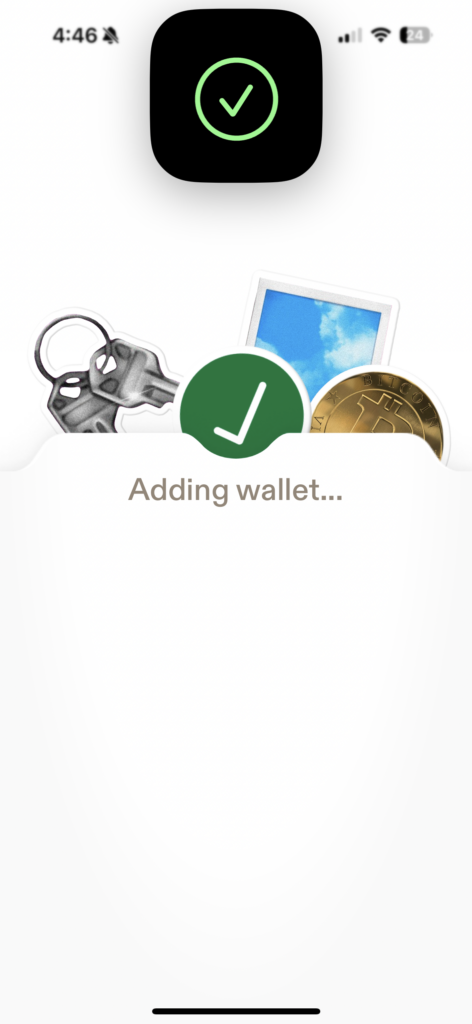
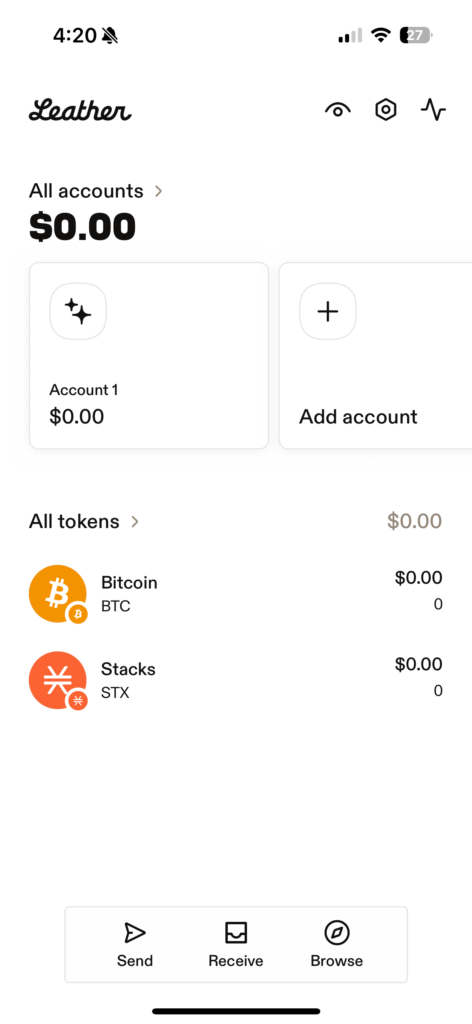
Adding a Leather crypto wallet to the app

Leather crypto wallet

Leave a comment

Leave a Reply

Your email address will not be published. Required fields are marked *

Related Articles

Crypto Wallets

Crypto Wallets Guide

What are crypto wallets? Crypto wallets can be thought of in a...

Creating a new Xverse wallet Xverse home page
Crypto Wallets

Crypto Hot Wallets

Xverse wallet Xverse wallets are a type of wallet that allows you...

Crypto Wallets

Reinstalling and logging into your Xverse wallet

Step-by- step guide to reinstalling your Xverse wallet Step 1. Go to...

Crypto Wallets

How To Set Up A Leather Crypto Wallet

Setting up a Leather wallet step-by-step. Step 1. Go to your app...